-
Experienced AutoCAD Toolset users adopting the Electrical Toolset
-
Designers and engineers
-
Panel builders, automation specialists, and integrators
-
Anyone responsible for professional documentation
The AutoCAD Electrical Toolset course covers advanced automation features, including intelligent schematics, parent-child components, automatic wire numbering, panel footprints, cross-referencing, and project-wide reporting. Designed for users ready to produce professional, build-ready documentation.
Our 6-hour, instructor-led AutoCAD Electrical Toolset training course equips electrical designers and engineers with the skills needed to create accurate drawings, automate repetitive tasks, and save time on complex projects.
$299 (with coupon: save $50)
The registration fee for this course is $349.
Register 3 delegates at full price $349, and get a 4th registration FREE!
This AutoCAD Electrical training shows participants how to use intelligent symbol libraries, automated wire number tools, parent-child component linking, and built-in cross-referencing to streamline power system design workflows and reduce errors across multi-drawing projects.
Note: This course is delivered by a certified AutoCAD Electrical Training Specialist and includes a 30-day Demo License for hands-on practice with the software.
This Autocad Electrical Toolset course can be taken with our AutoCAD Electrical Tutorial - Basic for basic-level learning, as well as our AutoCAD Electrical Training - Intermediate course. Students can also register for our 24-hour AutoCAD Electrical Mastery Bundle course for significant savings.
This advanced AutoCAD Toolset course focuses on the specialized automation features created specifically for power designers. Participants learn how to insert intelligent components, manage parent-child relationships, automate wire numbering, generate schematic circuits, apply cross-referencing, build panel layouts, link footprints, and produce automatic reports such as wire lists and bills of materials. The course emphasizes real-world design workflows used in control systems, industrial automation, and panel fabrication. Students learn how Circuit Builder enhances circuit design by automating symbol placement, wire connections, and schematic generation within the AutoCAD Electrical Toolset.
For teams adopting AutoCAD Toolset in production environments, this course delivers substantial time savings and dramatically increases drafting quality and consistency.
Participants of our Autocad Electrical Toolset course will be able to:
Build intelligent schematic drawings using toolset components
Automate wire numbering, tagging, and cleanup
Manage parent-child and source/destination relationships
Insert and organize panel footprints
Cross-reference components across drawings
Generate reports, wire lists, and BOMs automatically
Experienced AutoCAD Toolset users adopting the Electrical Toolset
Designers and engineers
Panel builders, automation specialists, and integrators
Anyone responsible for professional documentation
1. Setup, Interface & Project Basics
• Intro to AutoCAD Toolset interface, workspaces, and menus
• Setting project options and starting new projects
• Managing drawings and project drawing lists
• Overview of schematic, panel, and workflow structure
2. Basic Wiring & Schematic Drafting
• Inserting wires, wire numbers, and wire types
• Creating single-line diagrams and basic circuits
• Using Circuit Builder to insert or reuse circuits
• Adding components, terminals, relays, and parent-child links
3. Editing, Cross-Referencing & Automation
• Editing components, wires, and schematic elements
• Applying cross-references and source/destination arrows
• Automatic wire numbering and component tagging
• Using audit tools to locate and fix drawing issues
4. Advanced Circuits, Multi-Phase & Special Wiring
• Creating three-phase and multi-phase circuits
• Adding bus wiring, cable markers, and advanced wiring
• Using saved circuits and circuit clipboard tools
• Wiring best practices and standards alignment
5. Panel Layouts, Footprints & Terminals
• Converting schematics to panel layouts
• Inserting footprints, DIN rails, terminals, and balloons
• Linking panel layouts to schematics
• Annotating and preparing terminal-strip drawings
6. Reports, Documentation & Project Management
• Creating reports: wire lists, BOMs, component lists
• Using project utilities: batch updates, renumbering, global edits
• Customizing symbols, footprints, and templates
Start: 10 a.m. Eastern Time
Finish: 4:30 p.m. Eastern Time
The registration fee for this course is $349.
Fill out the form below with your name and email address.
Check your email for a message with a link to your $50 discount coupon.
Use the coupon code when you sign up for the Advanced Electrical Safety Training course to save $50 off the regular price.
Register 3 delegates at the full price of $249 each and get the 4th registration free! Perfect for companies, safety departments, and teams looking to train multiple employees at once.
Whether you choose live online or in-person instruction, our electrical training can be customized to your needs and delivered to your team at one or multiple locations.
Our instructors will work with you to assess your team's skills and tailor the training to match your requirements.
Complete this handy form and I will send you a FREE written Quotation on any electrical training you need! Or send me an email and I will contact you to discuss your electrical training requirements Today!
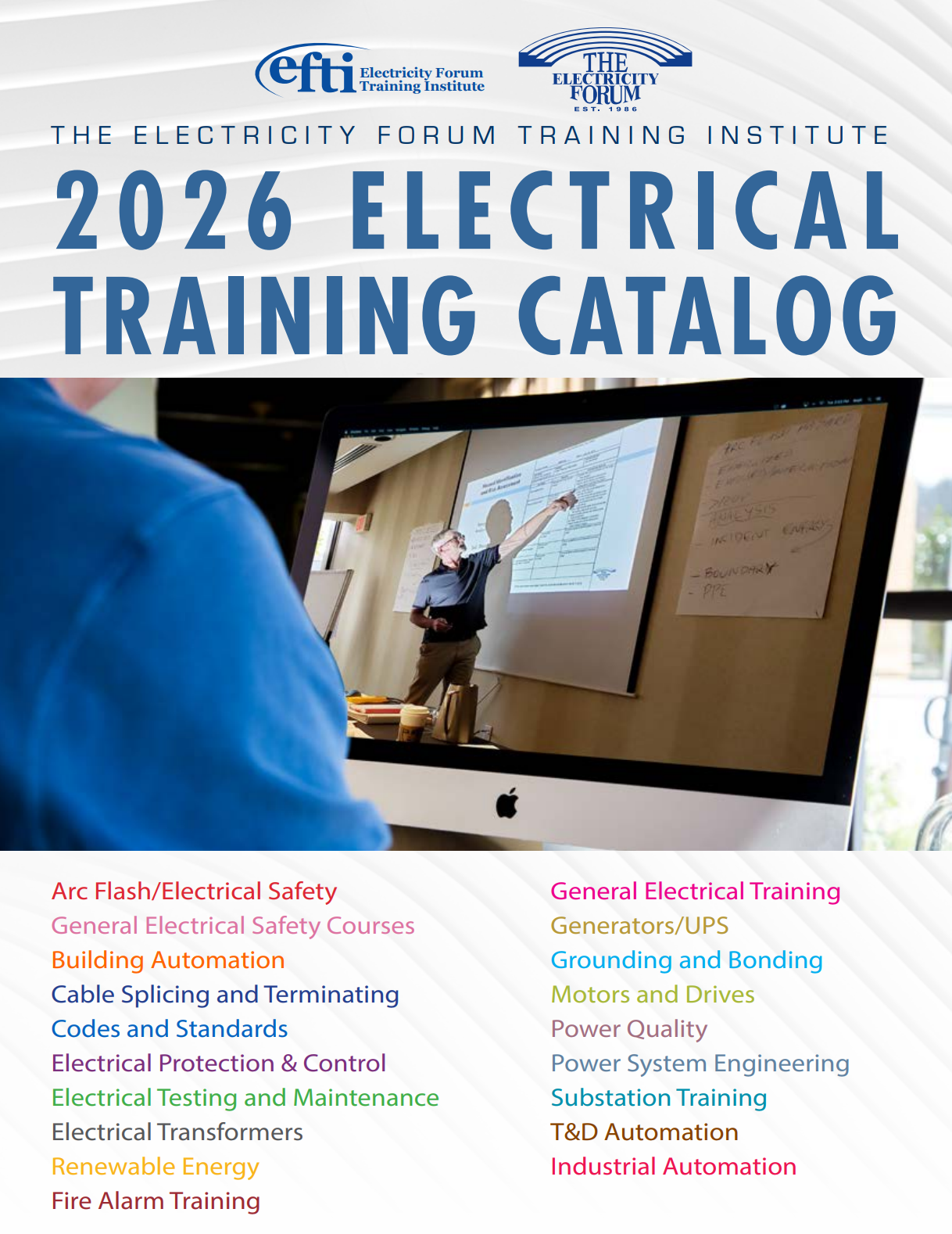
Explore 50+ live, expert-led electrical training courses – interactive, flexible, CEU-certified.
Download Catalog
Get detailed information about this course in our comprehensive brochure.
Download Brochure (PDF)Fill out the form below with your name and email address.
Check your email for a message with a link to your $50 discount coupon.
Use the coupon code when you sign up for the Advanced Electrical Safety Training course to save $50 off the regular price.
Register 3 delegates at the full price of $249 each and get the 4th registration free! Perfect for companies, safety departments, and teams looking to train multiple employees at once.
Explore our comprehensive training programs and find the perfect course for your professional development.